




to be extremely busy! We had lots of hectic shopping and wrapping Christmas week. And I spent all day Christmas Eve finishing the homemade gifts for my family. I will post the pictures tomorrow, I don't have my camera with me right now.
To all my CTMH sisters, I am leaving the company, due to not having the time to work on the business. I will however be able to keep the Auto Order form updated thanks to Beverly Gosling, she will send me the new IBs and post on the BBs when they are updated for me. So, either watch for her posts or subscribe to my blog to be notified.
Be back tomorrow!
TTFN Jaci
Tuesday, December 27, 2011


Sunday, October 30, 2011
Christmas Card Swap
Hello my fellow creators, I am trying something new. Taking step by step pics of my creations to share with you and hopefully teach you something new or help you remember to try a technique you used to use and haven't in a while.
I signed up at my local scrapbook store for a Christmas cards swap and this is my creation.
I chose the Olive colored cardstock from the DCWV stack and used the Cuttlebug and the Lace Tree folder to emboss them.
 I then rubbed them with Peeled Paint Distress ink.
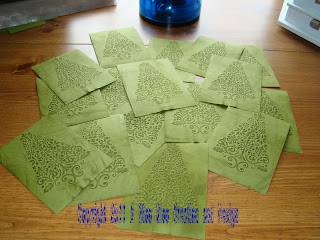 I tore around the images, and then inked the edges with the same ink pad.
 I used 2 different Christmas papers and mounted the trees. I used Brown Kraft cardstock for the base.
 I found these really cute little red ribbons with white pearls by Darice to use as my tree toppers.
 I finished it off by adding accents with my Viva Pearl Pens. These things are awesome. You can place your dots on your creation or you can make them on wax paper, let them dry and pel them off and use. You can also color them with you Copics!
 My choice of adhesive when I am working with an embossed paper is the Tombow Mono liquid glue. It does an great job at getting in the nooks and cranies of the embossing.
Hope you enjoyed my creation, please comment or email me at scrapjaci@yahoo.com
Also, check out the new feature I am trying called The Inlinkz Manager.

TTFN Jaci
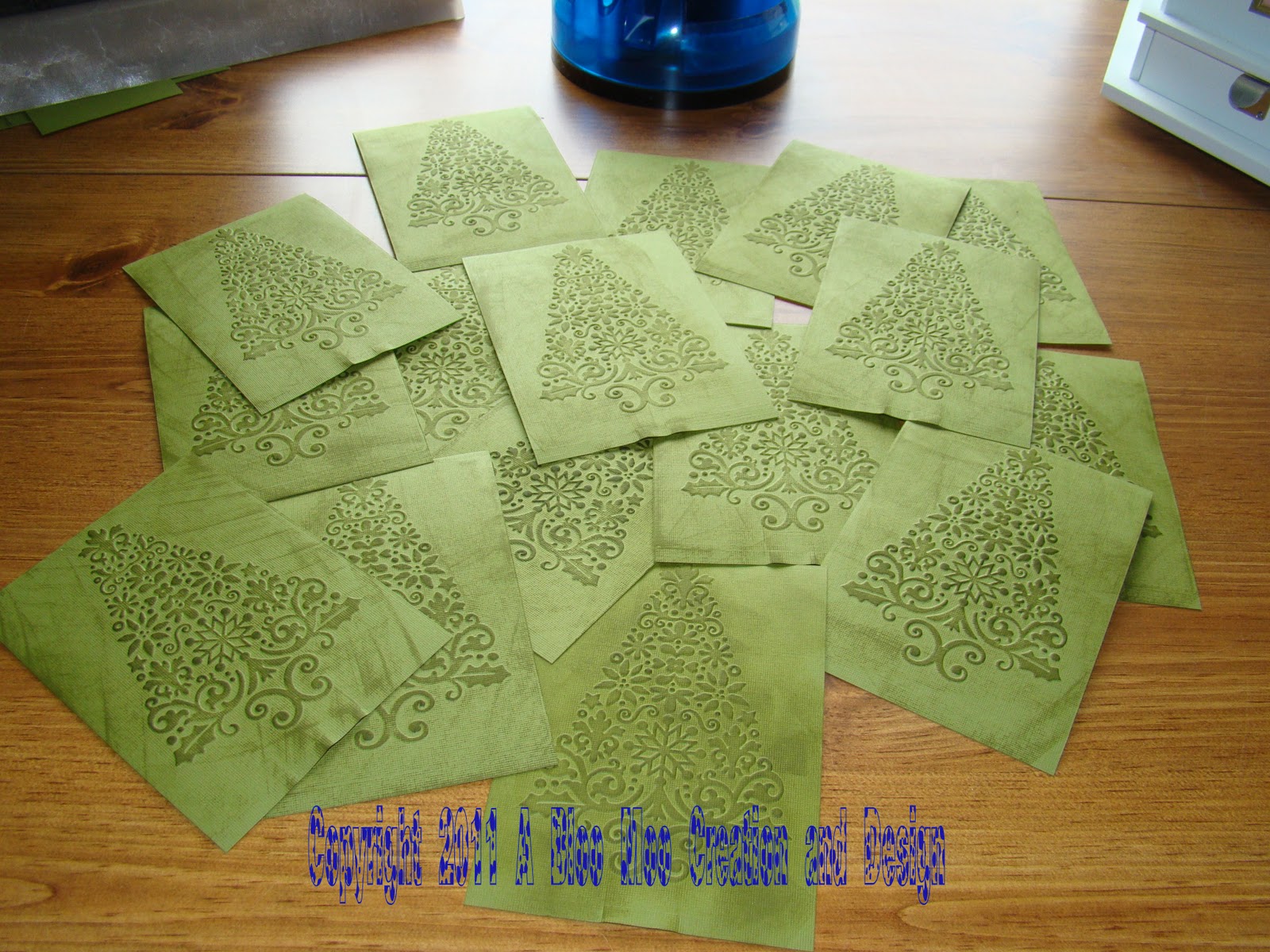
I signed up at my local scrapbook store for a Christmas cards swap and this is my creation.
I chose the Olive colored cardstock from the DCWV stack and used the Cuttlebug and the Lace Tree folder to emboss them.



Hope you enjoyed my creation, please comment or email me at scrapjaci@yahoo.com
Also, check out the new feature I am trying called The Inlinkz Manager.
TTFN Jaci
Sunday, October 23, 2011
Copic page completed, Auto Order update
Hello my fellow creators!
I have added a Copic page with links to helpful sites and to digi images. Check it out and if you have a favorite site, send it to me and I will add it. scrapjaci@yahoo.com
Also, thanks to Lalia Harris, I have posted a updated version of the auto order form. On the "How to Use" page there is a box where you can put your tax rate in and it will change it on all the forms for you. And I changed the price of the SOTM so it figures correctly now.
I have been busy moving into my new scrap room and getting things organized. When I am finished I will post pics, although it won't be decorated the way I want yet. That will most likely be next year before that happens.
Everyone have a great time creating!
TTFN Jaci
I have added a Copic page with links to helpful sites and to digi images. Check it out and if you have a favorite site, send it to me and I will add it. scrapjaci@yahoo.com
Also, thanks to Lalia Harris, I have posted a updated version of the auto order form. On the "How to Use" page there is a box where you can put your tax rate in and it will change it on all the forms for you. And I changed the price of the SOTM so it figures correctly now.
I have been busy moving into my new scrap room and getting things organized. When I am finished I will post pics, although it won't be decorated the way I want yet. That will most likely be next year before that happens.
Everyone have a great time creating!
TTFN Jaci
Subscribe to:
Posts (Atom)




